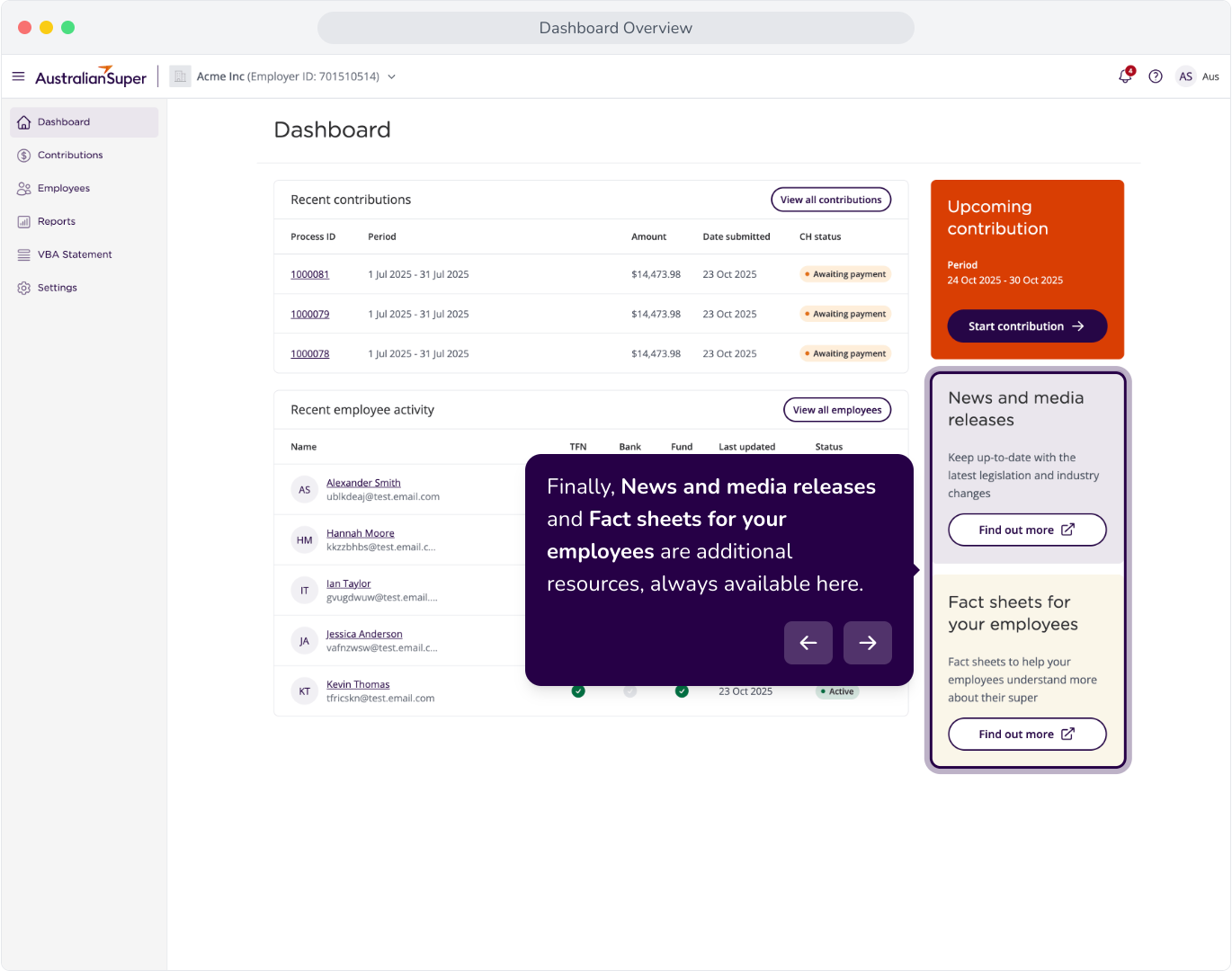
Context: This guide is an introductory walkthrough of the Dashboad and the components within.
Interactive Demo
Note: Make the demo full-screen for a better experience. You can mute/un-mute narration to suit your preferences.
Step by Step
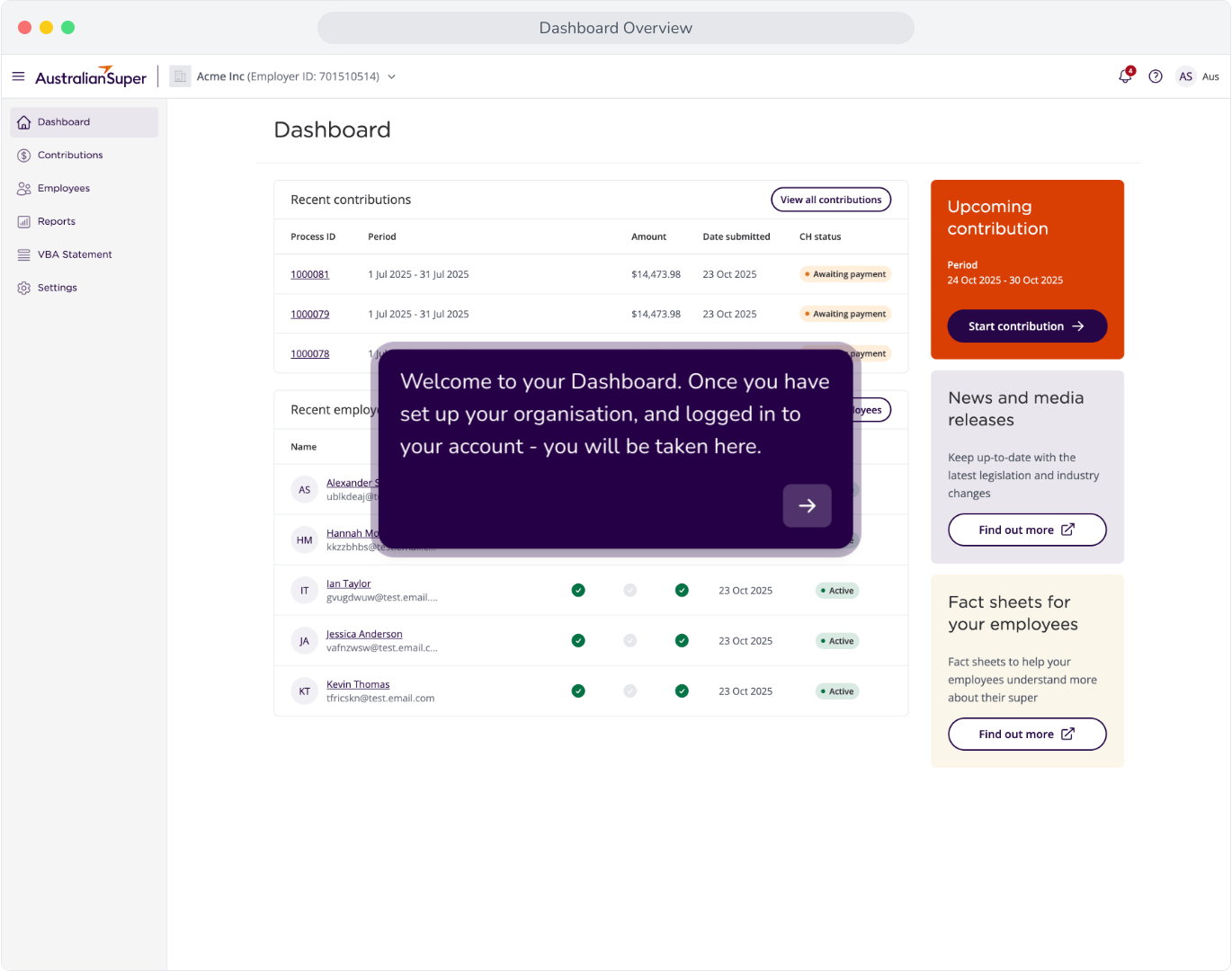
1. Welcome to your Dashboard. Once you have set up your organisation, and logged in to your account - you will be taken here.
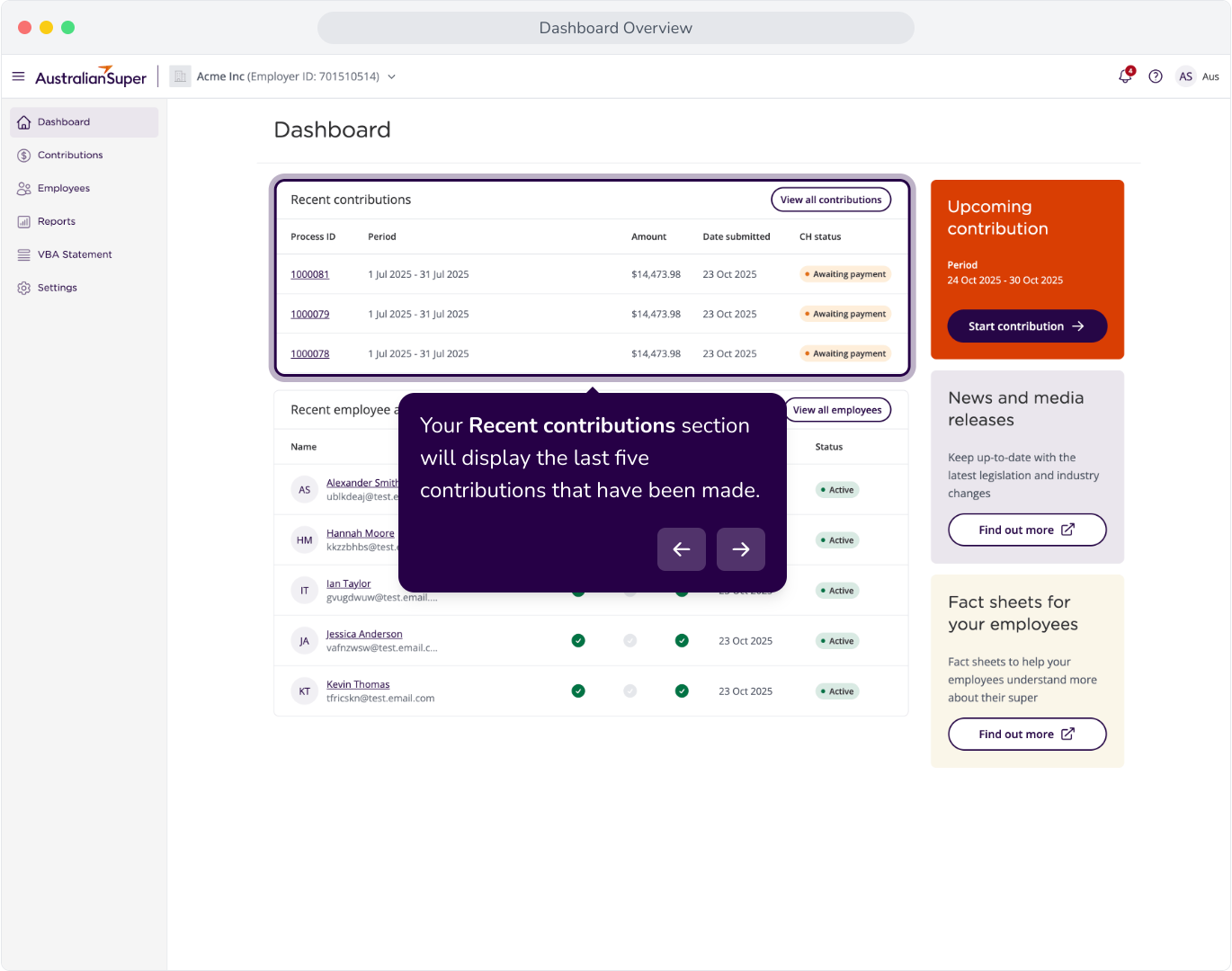
2. Your Recent contributions section will display the last five contributions that have been made.
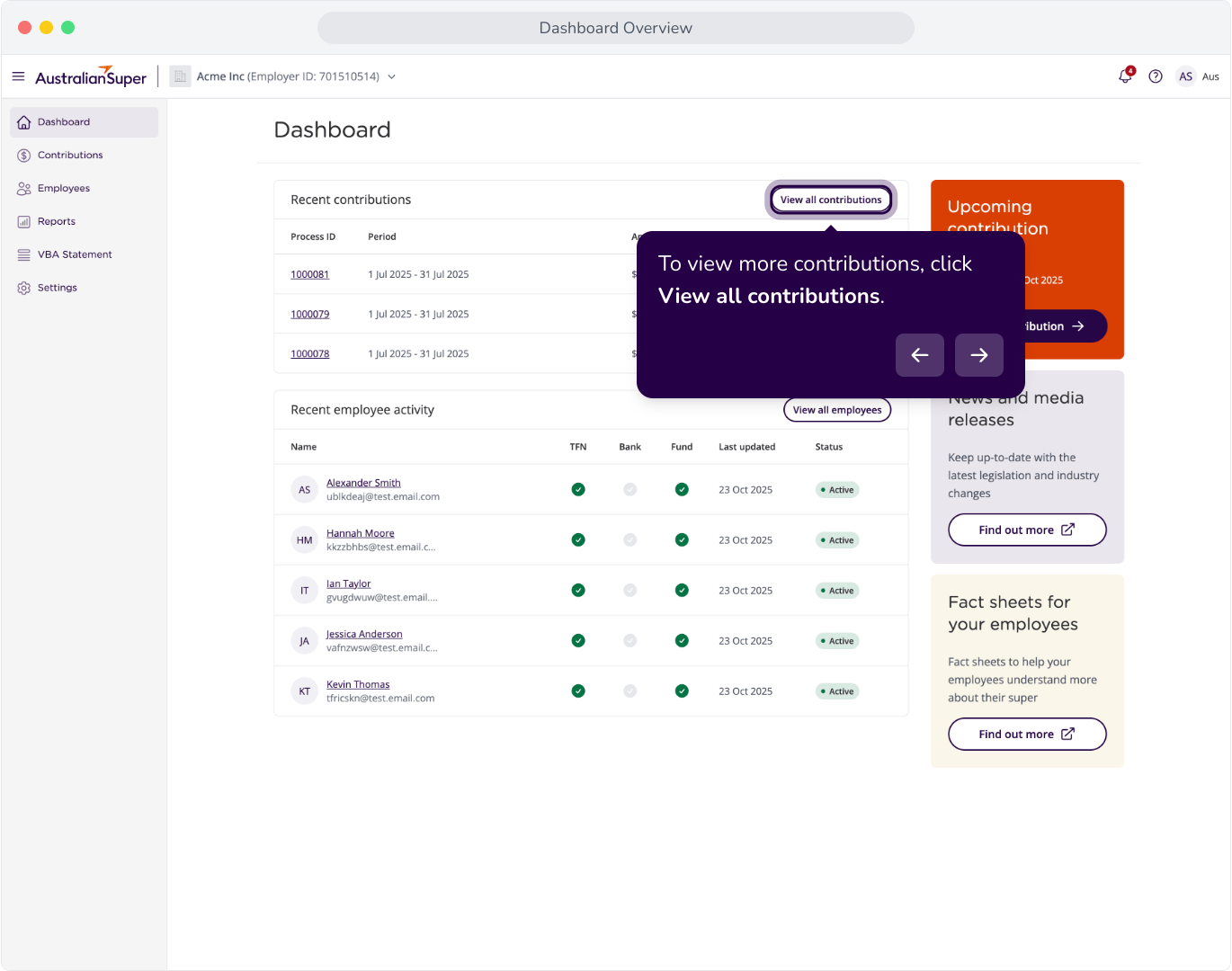
3. To view more contributions, click View all contributions.
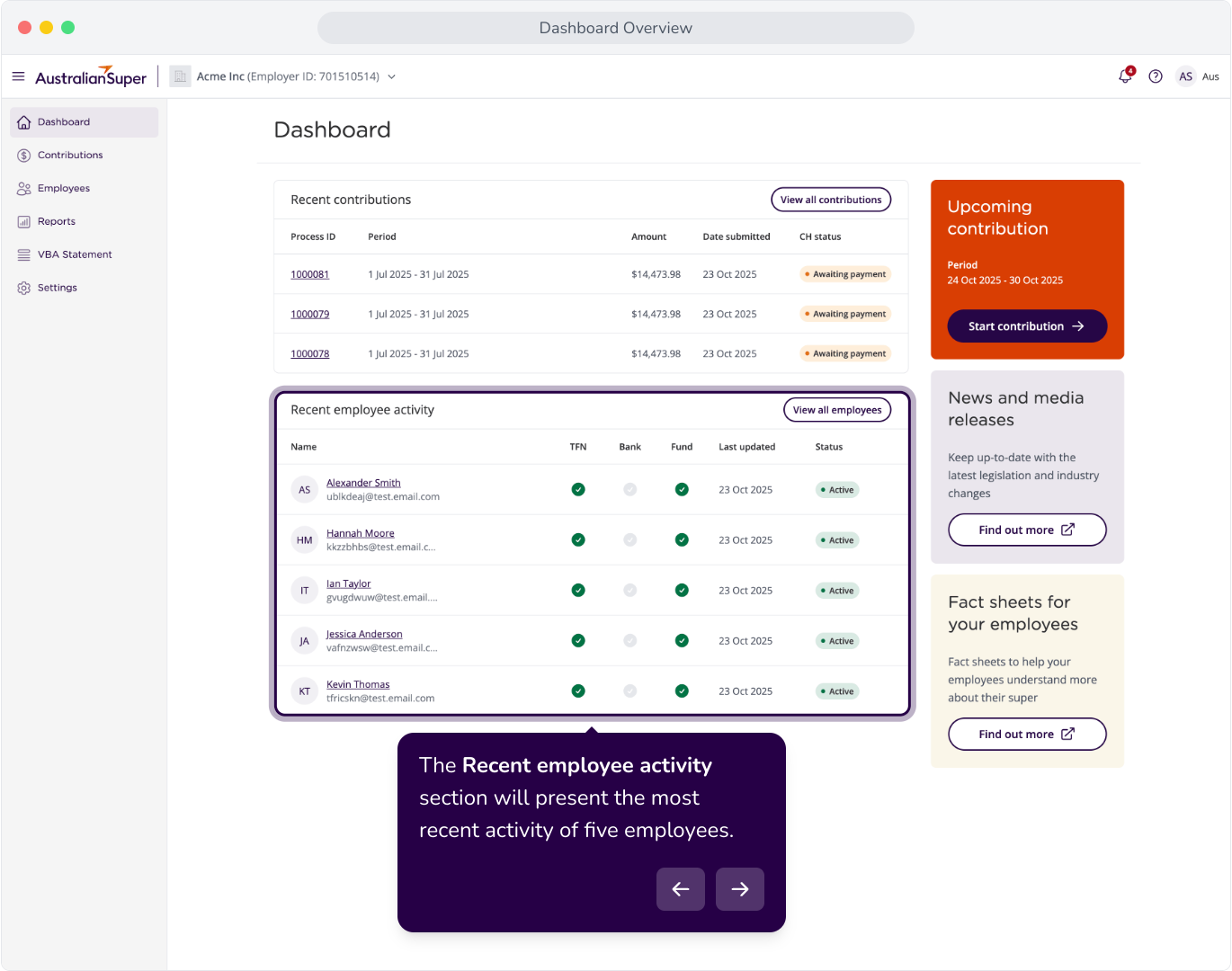
4. The Recent employee activity section will present the most recent activity of five employees.
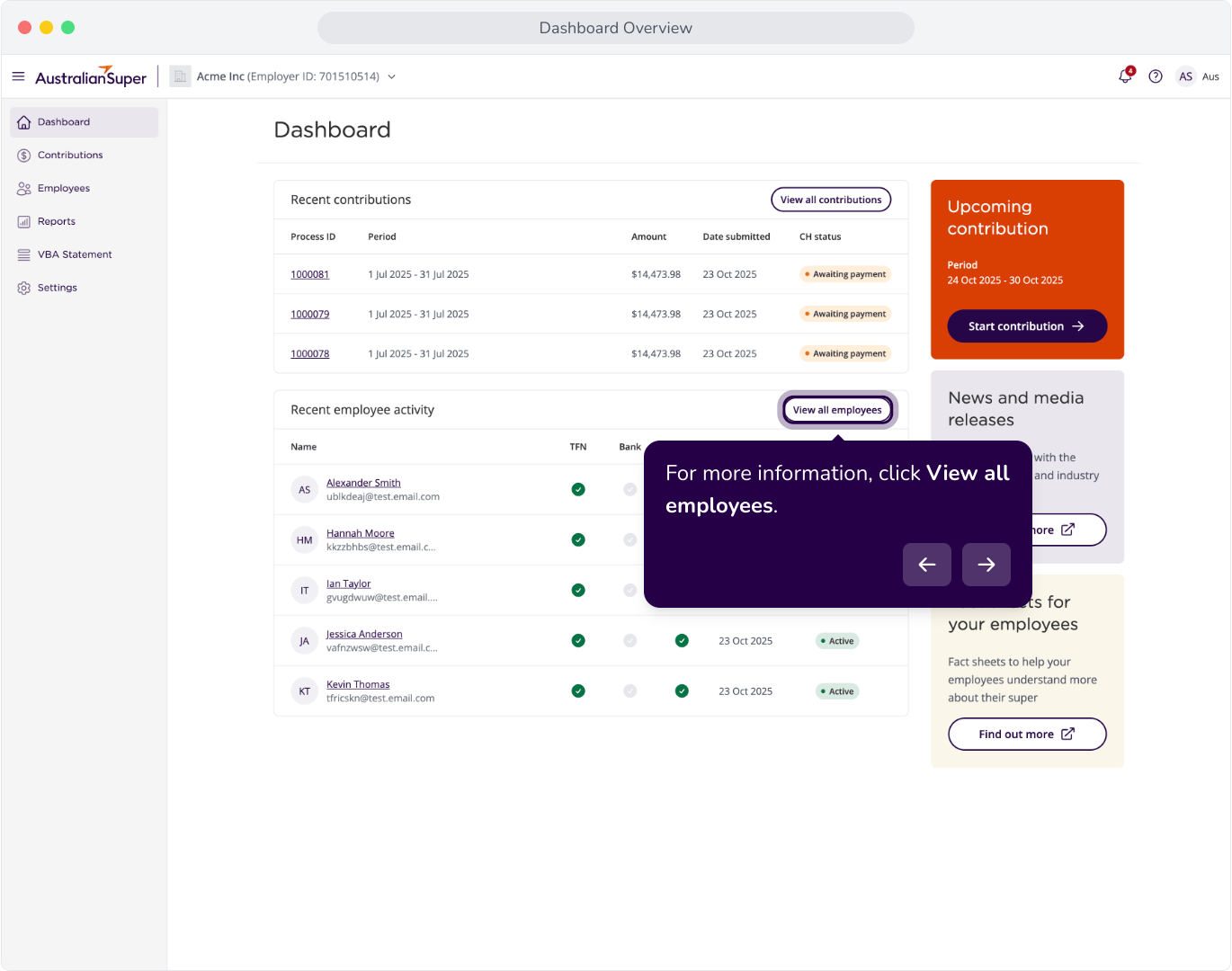
5. For more information, click View all employees.
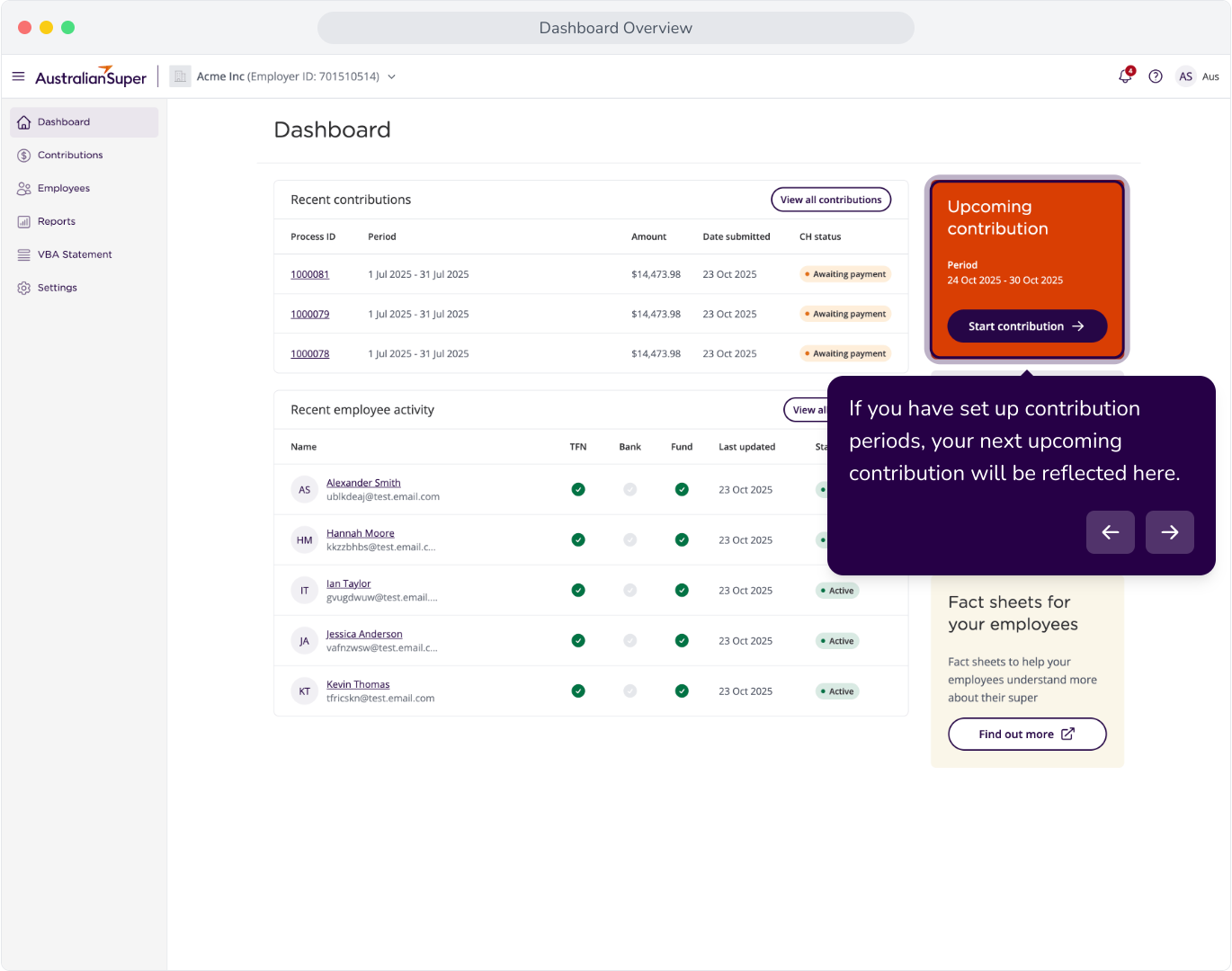
6. If you have set up contribution periods, your next upcoming contribution will be reflected here.
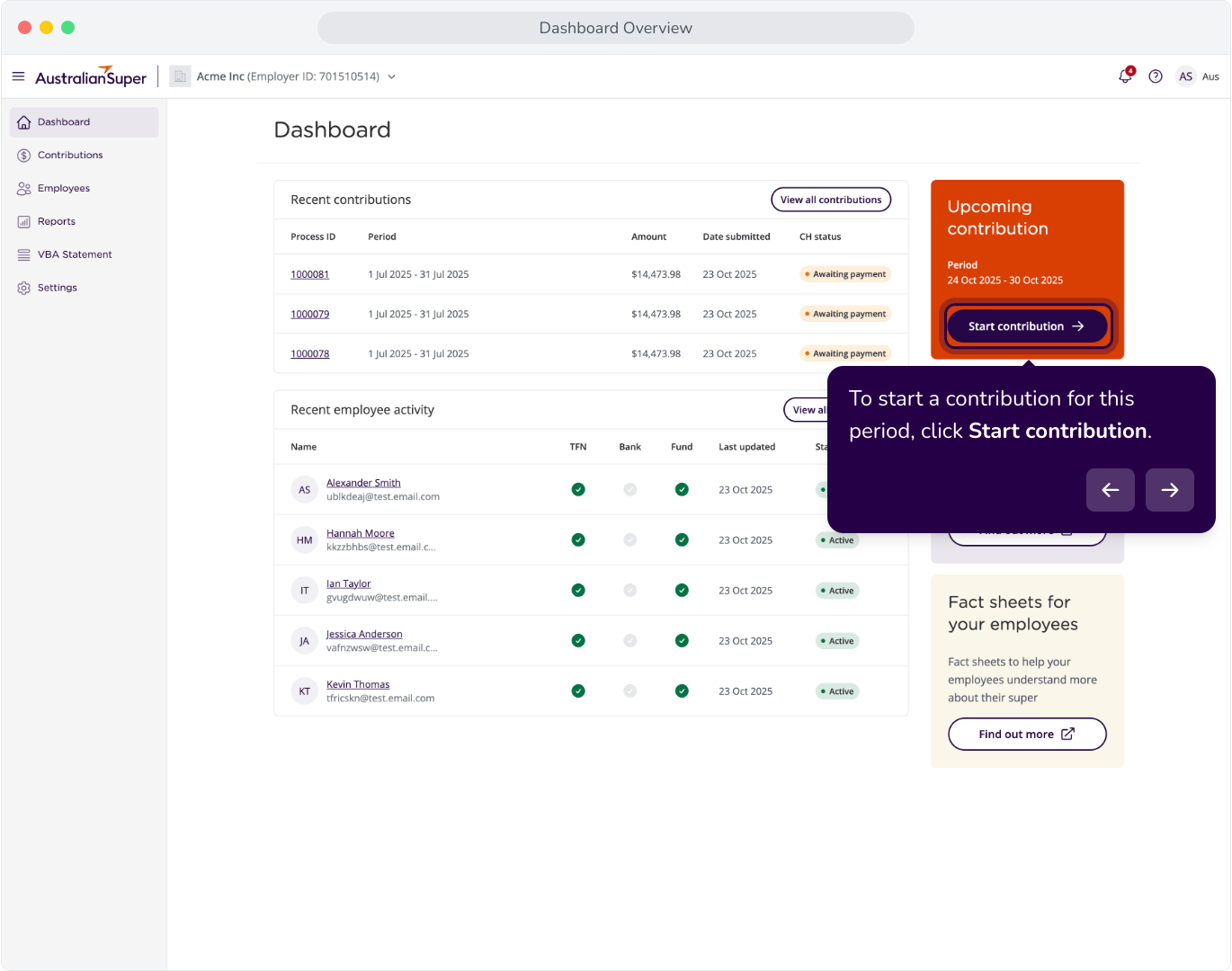
7. To start a contribution for this period, click Start contribution.
8. Finally, News and media releases and Fact sheets for your employees are additional resources, always available here.